This tutorial assumes arduino IDE is already installed. If not, please go to arduino.cc for download and install instructions.
Flashing instructions:
-
Get hold of the code
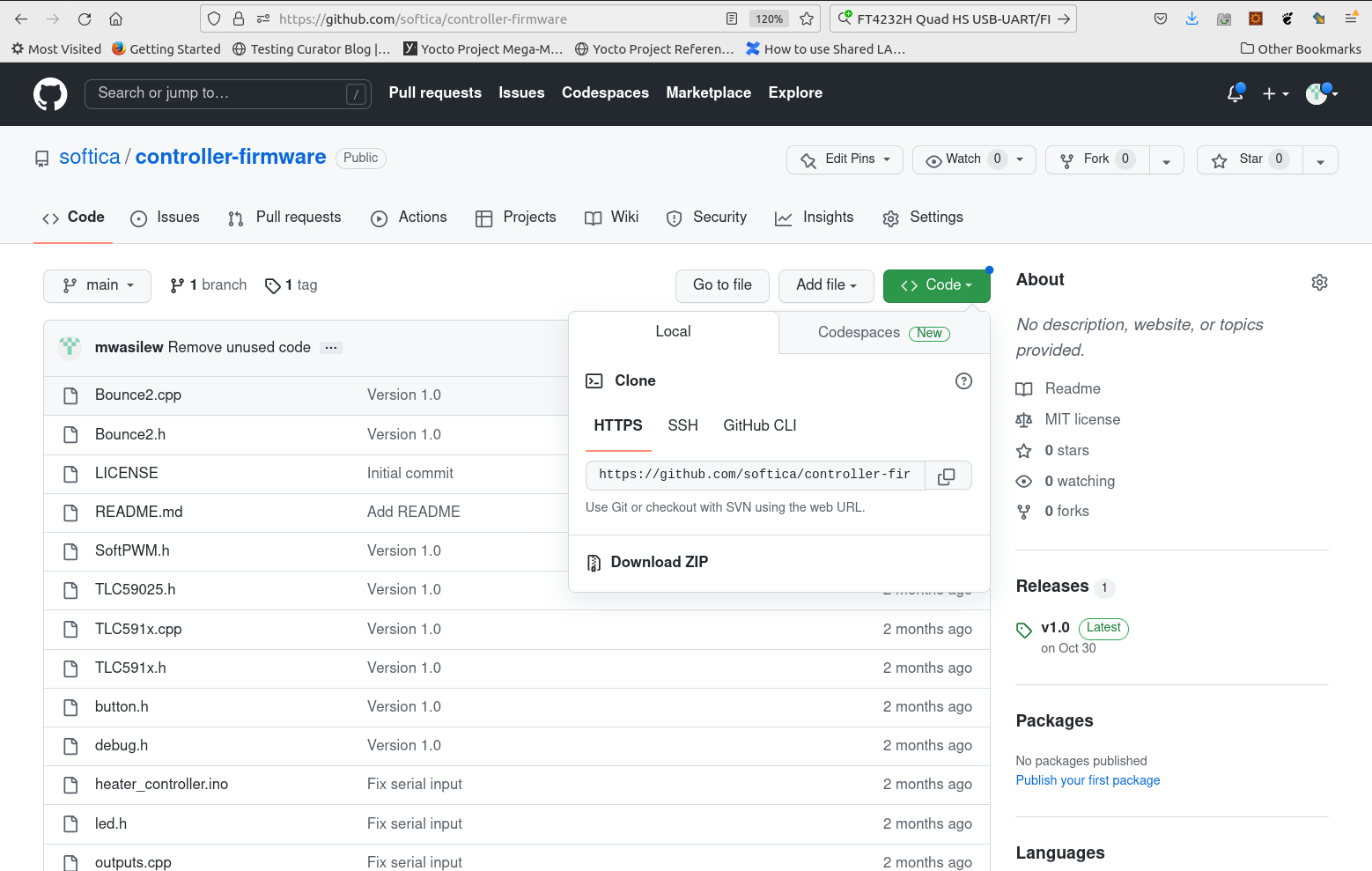
Code can be downloaded from github repository. It can be cloned using git. It can also be downloaded in a compressed archive. It is recommended to use a tagged release version.
-
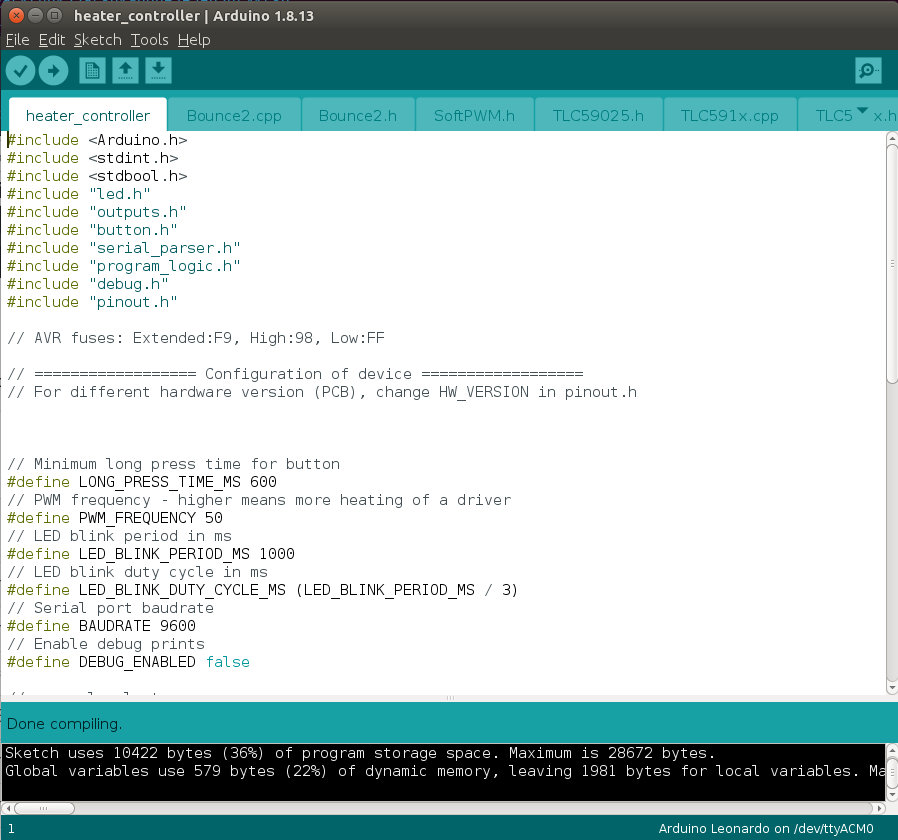
Open arduino IDE and load downloaded code to IDE
-
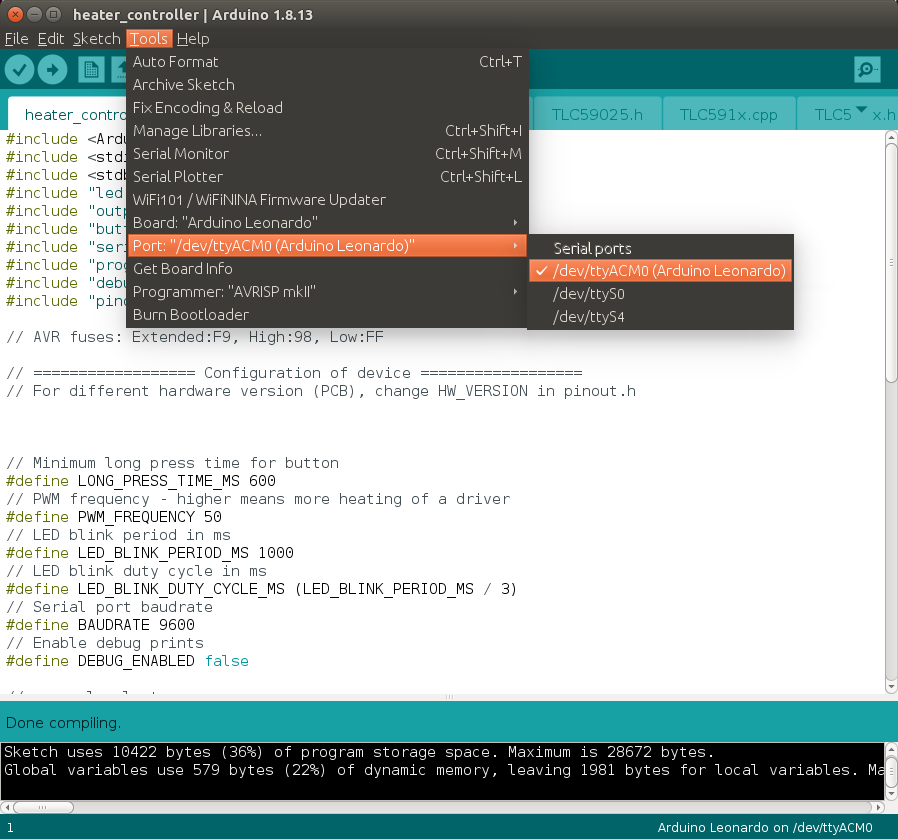
Connect the controller using USB cable.
In the IDE it will show up as serial port. This tutorial was recorded on Ubuntu. In case of Windows the port will be in the form of COMx where x is a number.
-
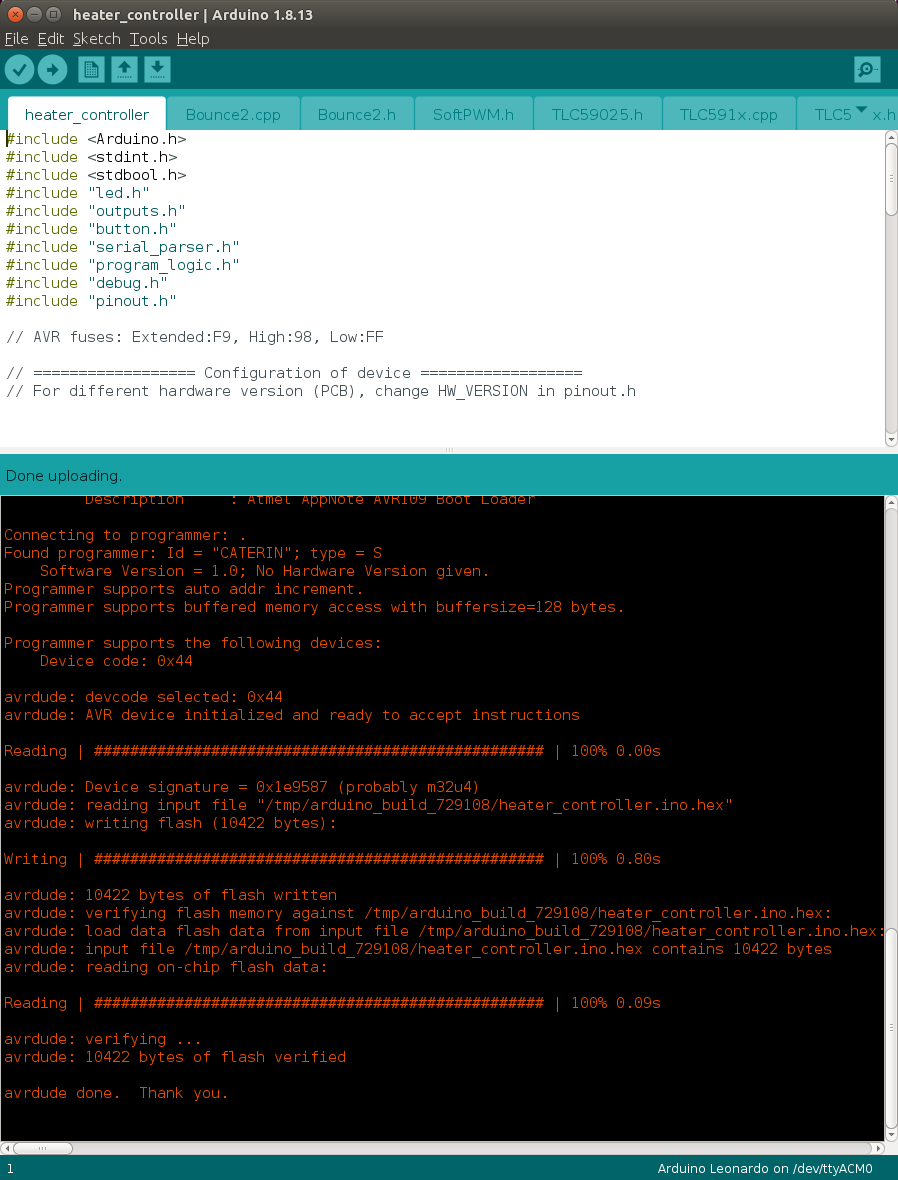
Press ‘upload’ button to flash the controller
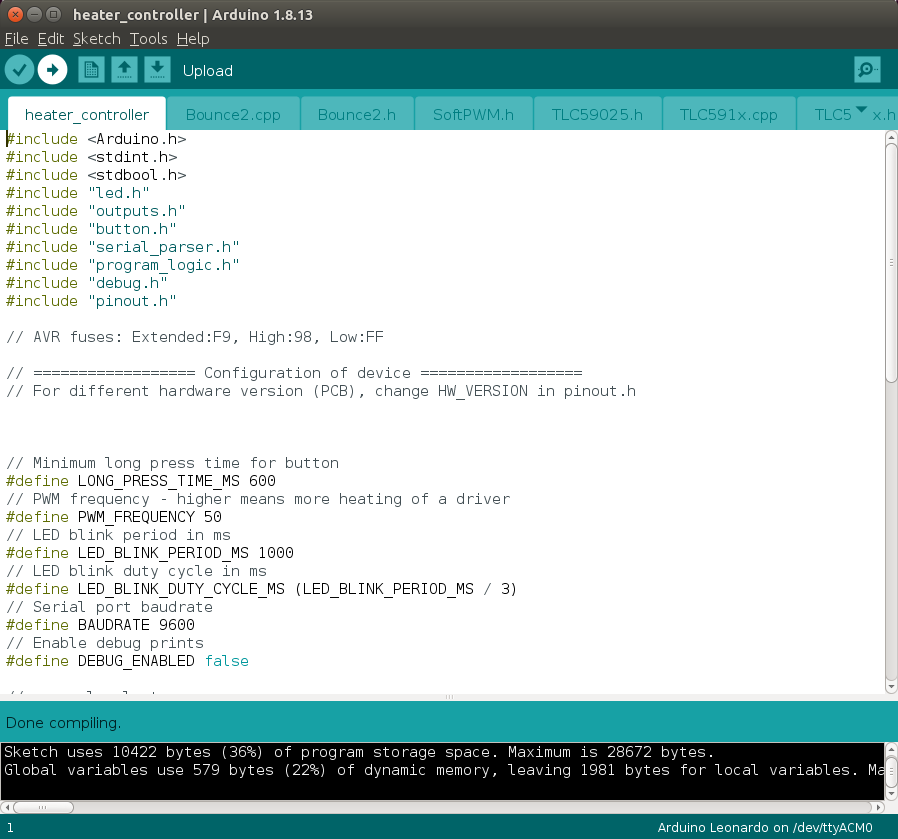
-
When flashing process is successful, controller will start running new code.